
Aasril - Minecraft Skins & Skin History
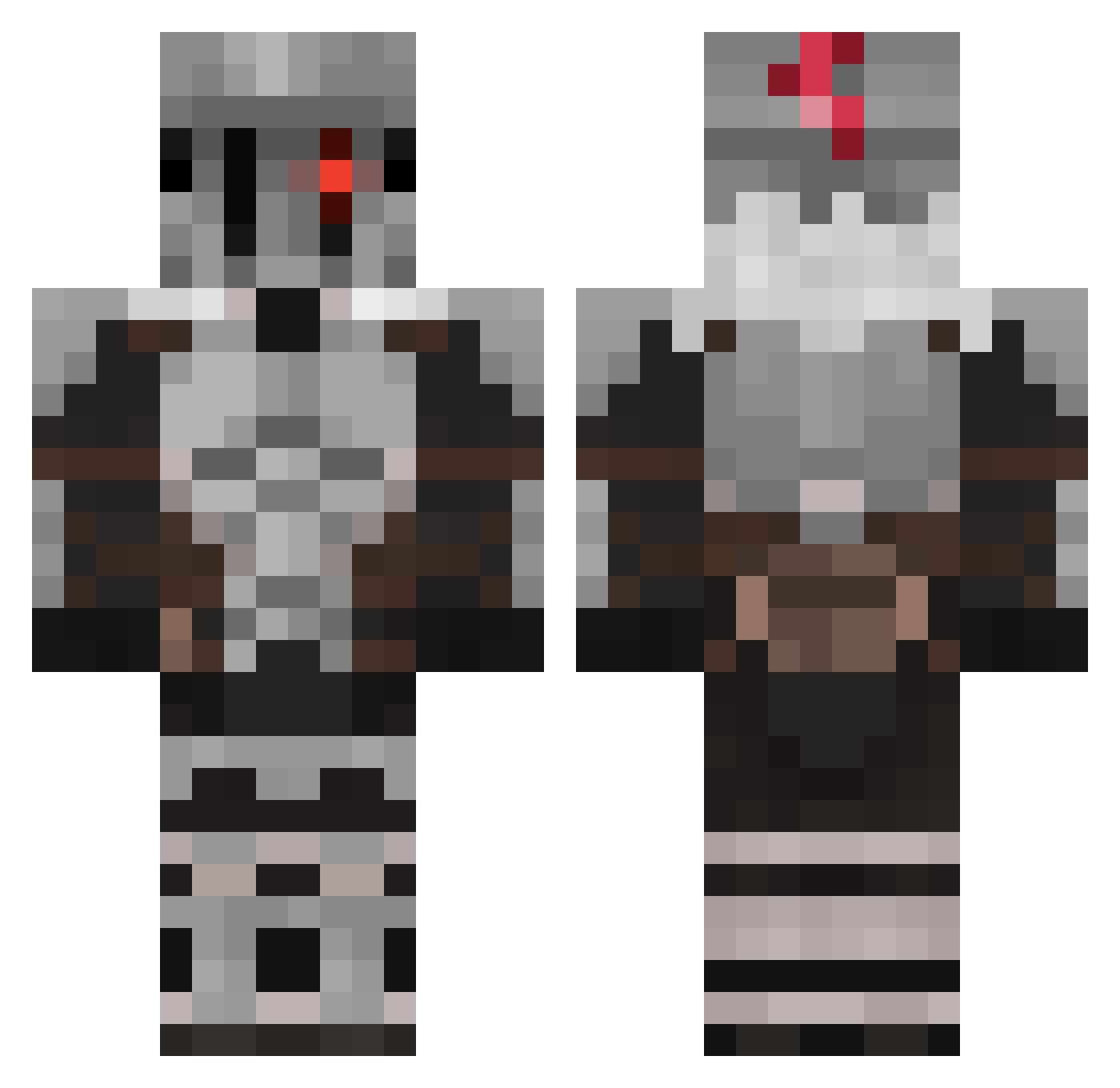
Current Minecraft skin of the player Aasril, loaded from the official Mojang API. Rotate the 3D model with your mouse or finger, then download the skin as a PNG file and use it in Minecraft: Bedrock Edition or Java Edition for free. When Aasril changes their skin, this page updates automatically and the old skin stays in the history below.
Other players with this skin (643)
Aasril was the 519th player we have seen with this skin, first spotted on 22.10.2026. The same skin was seen on these players. Open a nickname to see their current skin and skin history.
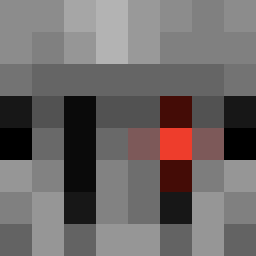 Gerevald FlangoFlito321 Sleepy_nex zespirito CreeperTAT F1lthy_Chaos ZeIIu Suppresed_Thoght Ntropy21 Nox_24 tirsosg UglyWack snox_rl Rose_Roulette_1 Odim30 xDeku73 Lunestras Arlin_Gamer Killermonkey115 FreakMink0 DreckigerPiet Dragard D3monII Grosraildesoupe Just_Jaz Nirooy Luther21 Emma_5666 MRmm777 ko05bra ThiccOutsider MagneticHail227 ElegantWar kool_aid_is_good Khaewyn YishaiIsDum KarmaKsy 1At0mic1 nahanceng Ex0dusk Alejandror11 jjsploits blackpotao rashdestructor Meretseger1101 _G0blin_Slayer_ Danshy_1803 mp40miko FrowningFox DiabolicalGrief DanielLiu921 Rockstar2233 Saraak2565 SlickFawn329325 sandvich2 CLaRealite mi_gigi Carnivalboss Valyzor Dan_Dewild
More Goblin Slayer Minecraft skins
See all 37 Goblin Slayer skins
How to install the Aasril skin
- Press the Download button above to save the skin as a PNG file.
- Minecraft: Bedrock Edition (PE): open the Dressing Room from the main menu (or tap your character → Edit Character), go to Classic Skins → Owned, press the + (new skin) button, choose the downloaded PNG and pick the Classic (Steve) model. Works on PC and mobile; consoles cannot import custom skins.
- Minecraft: Java Edition: open the Minecraft Launcher, go to the Skins tab, click New Skin, load the PNG, pick the Classic (Steve) model and press Save & Use. You can also upload it at minecraft.net → Profile → Change Skin.
The skin does not show up after import - what should I do?
Restart Minecraft and open the Dressing Room again - imported skins sometimes appear only after a restart. Also make sure you selected the imported skin and picked the Classic (Steve) model.
Which model should I choose, Classic or Slim?
This skin is designed for the Classic (Steve) model. If you pick the wrong model, the arms of the skin will look stretched or squeezed.
Is the skin of Aasril free to download?
Yes. Press Download, save the PNG file and use it in Minecraft: Bedrock Edition or Java Edition - no payment or registration needed. The skin also works on multiplayer servers and Realms.
More skins
Looking for more? Go back to all Minecraft skins and check the top skins of the week, month and all time, or find any player's skin by nickname.