
Aaron573 - Minecraft Skins & Skin History
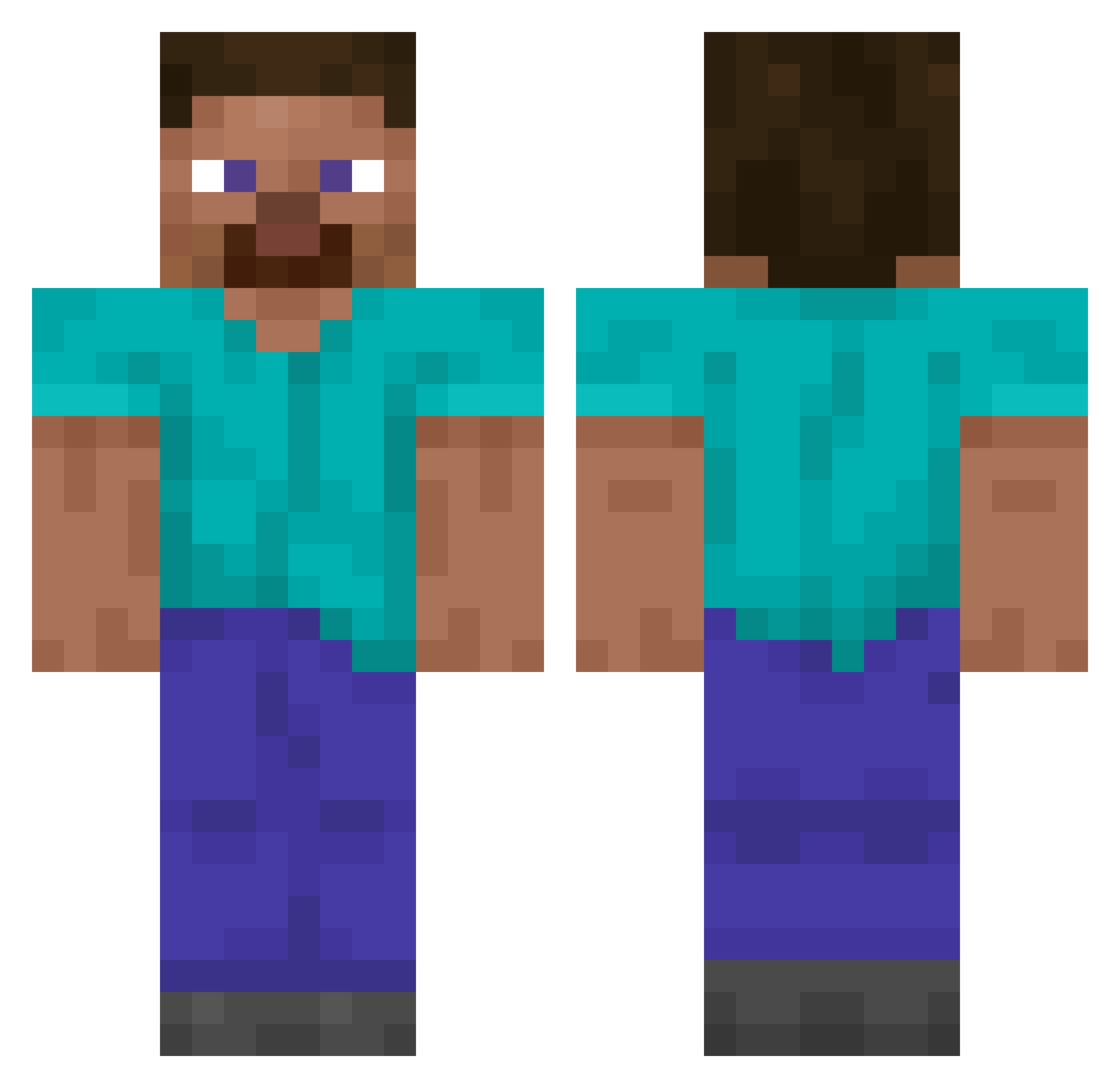
Current Minecraft skin of the player Aaron573, loaded from the official Mojang API. Rotate the 3D model with your mouse or finger, then download the skin as a PNG file and use it in Minecraft: Bedrock Edition or Java Edition for free. When Aaron573 changes their skin, this page updates automatically and the old skin stays in the history below.
Other players with this skin (14849)
Aaron573 was the 14787th player we have seen with this skin, first spotted on 10.11.2026. The same skin was seen on these players. Open a nickname to see their current skin and skin history.
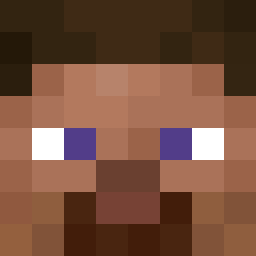 MonarchSnake Lel1leo _UFACE riming ROANWF Enten_ LeeAndy Parfpro Knifeh Ression plumber72 GarryPotniy D7470 Slyd___ KompetenteSuppe JORQUELLIUS_DEAN 4SDe_ MasterFaisal_ Daddy_Decky themincraftino Manu4444443008 kritzzx icetack Srwpr__ Luyedfss AkiramenaiOra _Eck D4rvin10 BananaSauce453 enragedgemstone ViniZera_ Sokol_Ivan Seunghyeon05 Experamiun giggelpoju3 oilang Nickiscool_10 chiriac gouzixyg112 StaddleStone YIMF451 ProoliverMC DistantPeak7023 kimhan Saizen89 VTR88z Endships Immerse_0 xZaiko EclipcenXD Koiosen PJBGESI obqf nhfn2 Heejinsimp MAISTOPSTOPSTOP Sryhtics insanee8 _Dangles_ Mirrorsan
How to install the Aaron573 skin
- Press the Download button above to save the skin as a PNG file.
- Minecraft: Bedrock Edition (PE): open the Dressing Room from the main menu (or tap your character → Edit Character), go to Classic Skins → Owned, press the + (new skin) button, choose the downloaded PNG and pick the Classic (Steve) model. Works on PC and mobile; consoles cannot import custom skins.
- Minecraft: Java Edition: open the Minecraft Launcher, go to the Skins tab, click New Skin, load the PNG, pick the Classic (Steve) model and press Save & Use. You can also upload it at minecraft.net → Profile → Change Skin.
The skin does not show up after import - what should I do?
Restart Minecraft and open the Dressing Room again - imported skins sometimes appear only after a restart. Also make sure you selected the imported skin and picked the Classic (Steve) model.
Which model should I choose, Classic or Slim?
This skin is designed for the Classic (Steve) model. If you pick the wrong model, the arms of the skin will look stretched or squeezed.
Is the skin of Aaron573 free to download?
Yes. Press Download, save the PNG file and use it in Minecraft: Bedrock Edition or Java Edition - no payment or registration needed. The skin also works on multiplayer servers and Realms.
More skins
Looking for more? Go back to all Minecraft skins and check the top skins of the week, month and all time, or find any player's skin by nickname.