
ADOLF228 - Minecraft Skins & Skin History
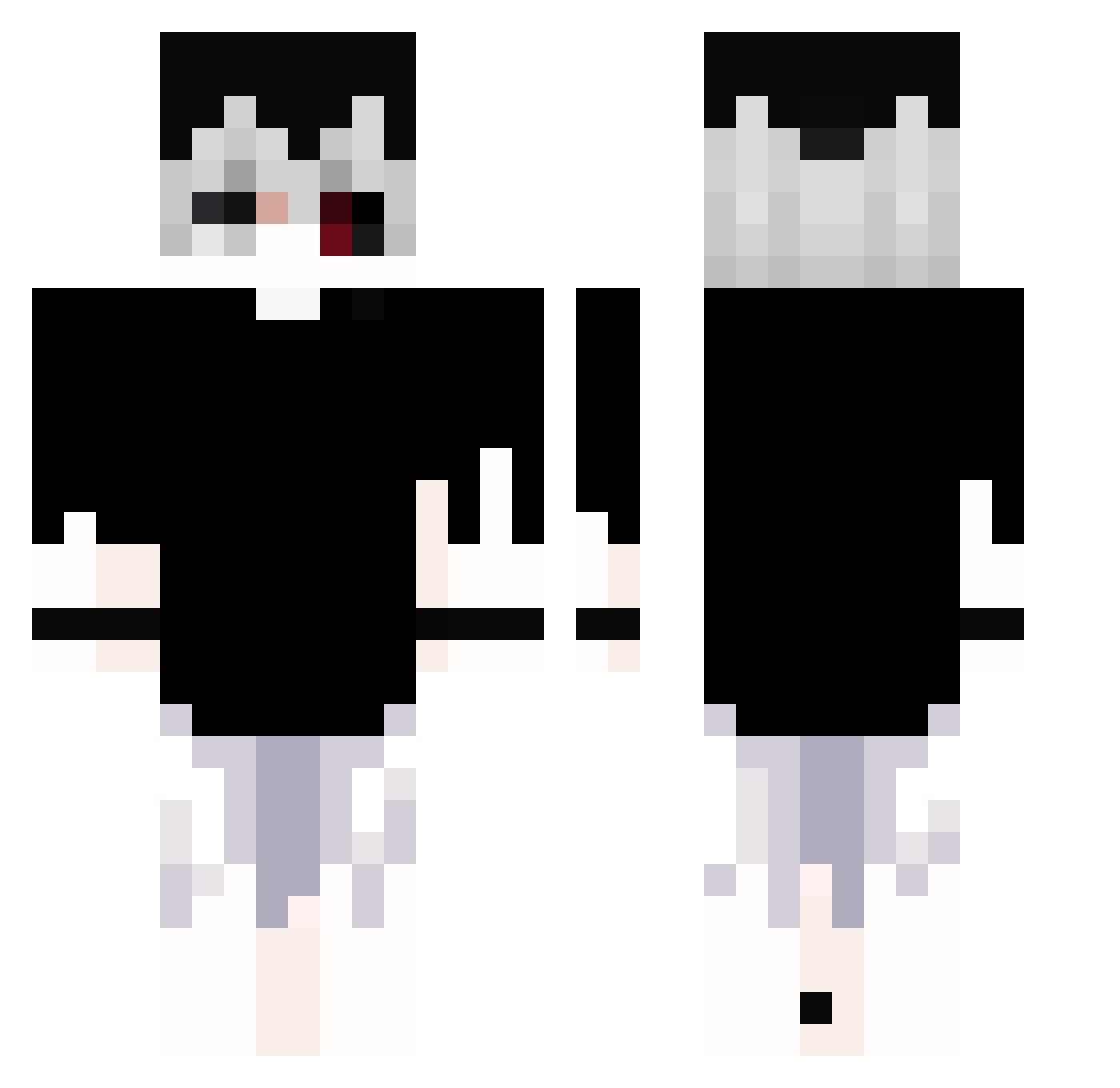
Current Minecraft skin of the player ADOLF228, loaded from the official Mojang API. Rotate the 3D model with your mouse or finger, then download the skin as a PNG file and use it in Minecraft: Bedrock Edition or Java Edition for free. When ADOLF228 changes their skin, this page updates automatically and the old skin stays in the history below.
Other players with this skin (381)
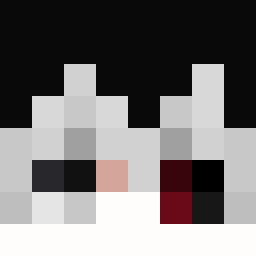
ADOLF228 was the 372nd player we have seen with this skin, first spotted on 07.11.2026. The same skin was seen on these players. Open a nickname to see their current skin and skin history.
 ONE5338 BaptouXD RosluNaalb HeavenUpsideDown ANPIx1 Evilke0 MaiRin1106 28NGR_Il_Lupo nakaaa_ Maayzen ethycs PULLIN03 Elysia_Ling Dark4626 IEscI piccolaina Kynnaii Theverysigma3231 Shura_Slayer Giovaniiz Polloloko01 KUR00U BlokStar Uzumasos ElDraggon Dysqn gorlaiK wogiwogi Nai_You_Man Theodor22 0_Kanekiwi_ iiBatMan Viiper_MC daisukizay Viiator usasama0304 sskywwy eaur Falushan CowFly2022 AboGous Blue_Nickel ClearLove4X X_xfaxe Babocrafter_22 mlla Ulanyy_ TheSoniforo Tiltuha K4azu RinSliver sadfeelingalive 2D_Senpai JeonWooSung Vcc20 pedroiiiiii ToeNibbler88 wanchen1 mikultak AYAKYALARGECER31
More Monochrome Minecraft skins
How to install the ADOLF228 skin
- Press the Download button above to save the skin as a PNG file.
- Minecraft: Bedrock Edition (PE): open the Dressing Room from the main menu (or tap your character → Edit Character), go to Classic Skins → Owned, press the + (new skin) button, choose the downloaded PNG and pick the Classic (Steve) model. Works on PC and mobile; consoles cannot import custom skins.
- Minecraft: Java Edition: open the Minecraft Launcher, go to the Skins tab, click New Skin, load the PNG, pick the Classic (Steve) model and press Save & Use. You can also upload it at minecraft.net → Profile → Change Skin.
The skin does not show up after import - what should I do?
Restart Minecraft and open the Dressing Room again - imported skins sometimes appear only after a restart. Also make sure you selected the imported skin and picked the Classic (Steve) model.
Which model should I choose, Classic or Slim?
This skin is designed for the Classic (Steve) model. If you pick the wrong model, the arms of the skin will look stretched or squeezed.
Is the skin of ADOLF228 free to download?
Yes. Press Download, save the PNG file and use it in Minecraft: Bedrock Edition or Java Edition - no payment or registration needed. The skin also works on multiplayer servers and Realms.
More skins
Looking for more? Go back to all Minecraft skins and check the top skins of the week, month and all time, or find any player's skin by nickname.