
2PD - Minecraft Skins & Skin History
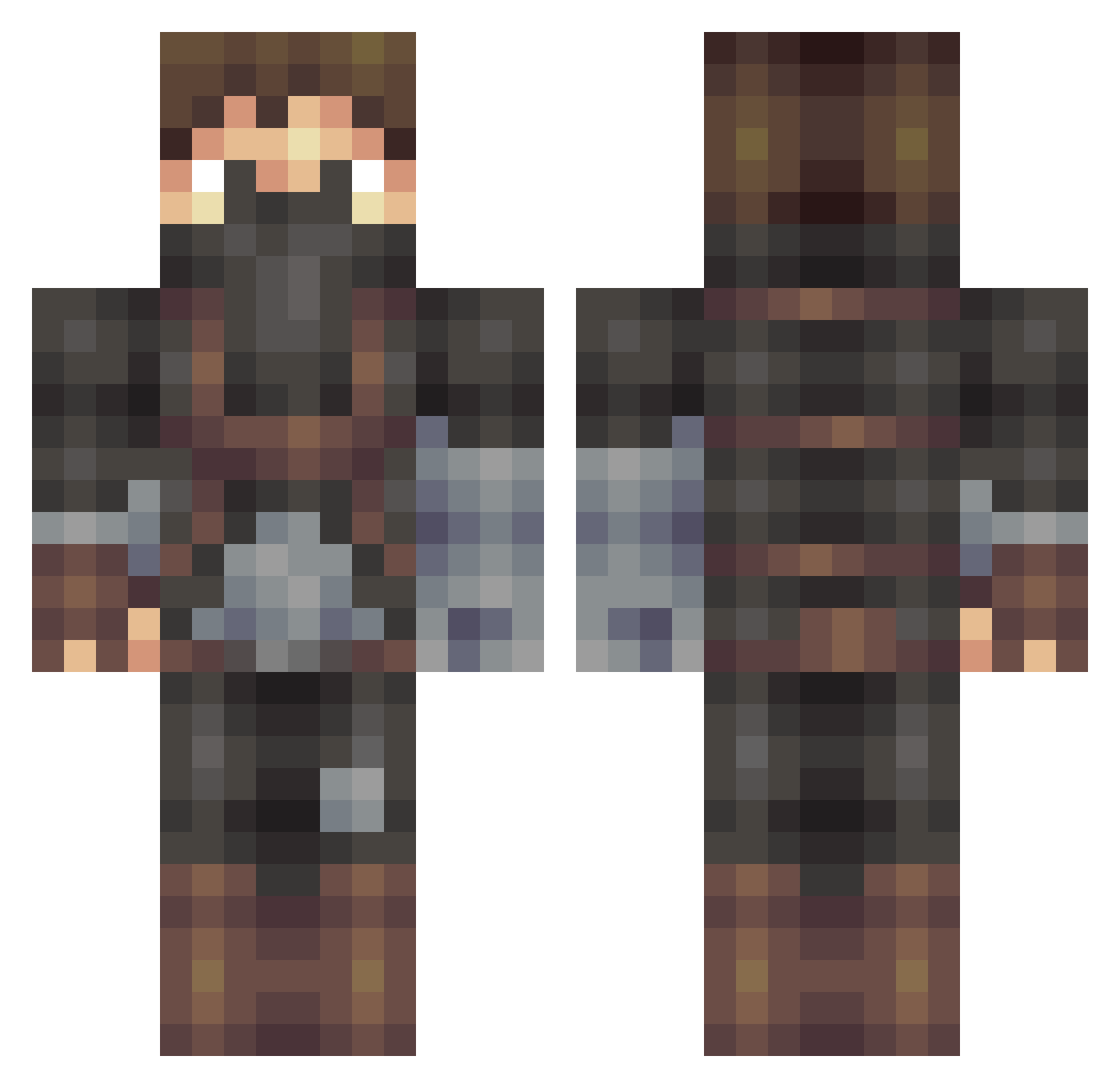
Current Minecraft skin of the player 2PD, loaded from the official Mojang API. Rotate the 3D model with your mouse or finger, then download the skin as a PNG file and use it in Minecraft: Bedrock Edition or Java Edition for free. When 2PD changes their skin, this page updates automatically and the old skin stays in the history below.
Other players with this skin (509)
2PD was the 486th player we have seen with this skin, first spotted on 02.11.2026. The same skin was seen on these players. Open a nickname to see their current skin and skin history.
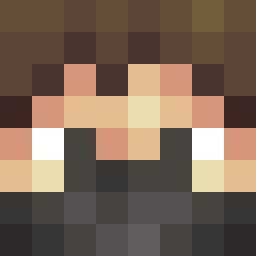 jibjabs3 master_bodhi Gonblue_9 Jonnyisgreat luke_seahawk Tomader _HowardTheAlien_ RasputinSV tatesickle TillMoonLitRise Fatal1te Zaker172 killerslime13 Edge632 Potato_Keegan HawkEco5 Nutaku Johnnycat13 ProfessorSnxgz xYxBAMxYx XxTanzilxX Leitcher FriendlyrCreeper Blackfusion64 Medoari tabaka2010 rousey7 RinQuo george95 Bohan4321 CodeineAlt1 tom_yhh reaper962 NewGrimReaper highbornchoochoo JTFXL Fr0zenPhenix Flarbity thereallarsy AgentDonald NEKD Yoshimasterz rebalcraft VicValJim rktennis donod h25pt0dude mathias1234510 Joejoejumpyhead Visas soleheadvvik sixfingeredguy AliSkully dinchic GD304 G0ld5nake zombecrusher8 Bugsy_Boy IseeCamber IFrostzz
More Assassin Minecraft skins
How to install the 2PD skin
- Press the Download button above to save the skin as a PNG file.
- Minecraft: Bedrock Edition (PE): open the Dressing Room from the main menu (or tap your character → Edit Character), go to Classic Skins → Owned, press the + (new skin) button, choose the downloaded PNG and pick the Classic (Steve) model. Works on PC and mobile; consoles cannot import custom skins.
- Minecraft: Java Edition: open the Minecraft Launcher, go to the Skins tab, click New Skin, load the PNG, pick the Classic (Steve) model and press Save & Use. You can also upload it at minecraft.net → Profile → Change Skin.
The skin does not show up after import - what should I do?
Restart Minecraft and open the Dressing Room again - imported skins sometimes appear only after a restart. Also make sure you selected the imported skin and picked the Classic (Steve) model.
Which model should I choose, Classic or Slim?
This skin is designed for the Classic (Steve) model. If you pick the wrong model, the arms of the skin will look stretched or squeezed.
Is the skin of 2PD free to download?
Yes. Press Download, save the PNG file and use it in Minecraft: Bedrock Edition or Java Edition - no payment or registration needed. The skin also works on multiplayer servers and Realms.
More skins
Looking for more? Go back to all Minecraft skins and check the top skins of the week, month and all time, or find any player's skin by nickname.