
1onePiece - Minecraft Skins & Skin History
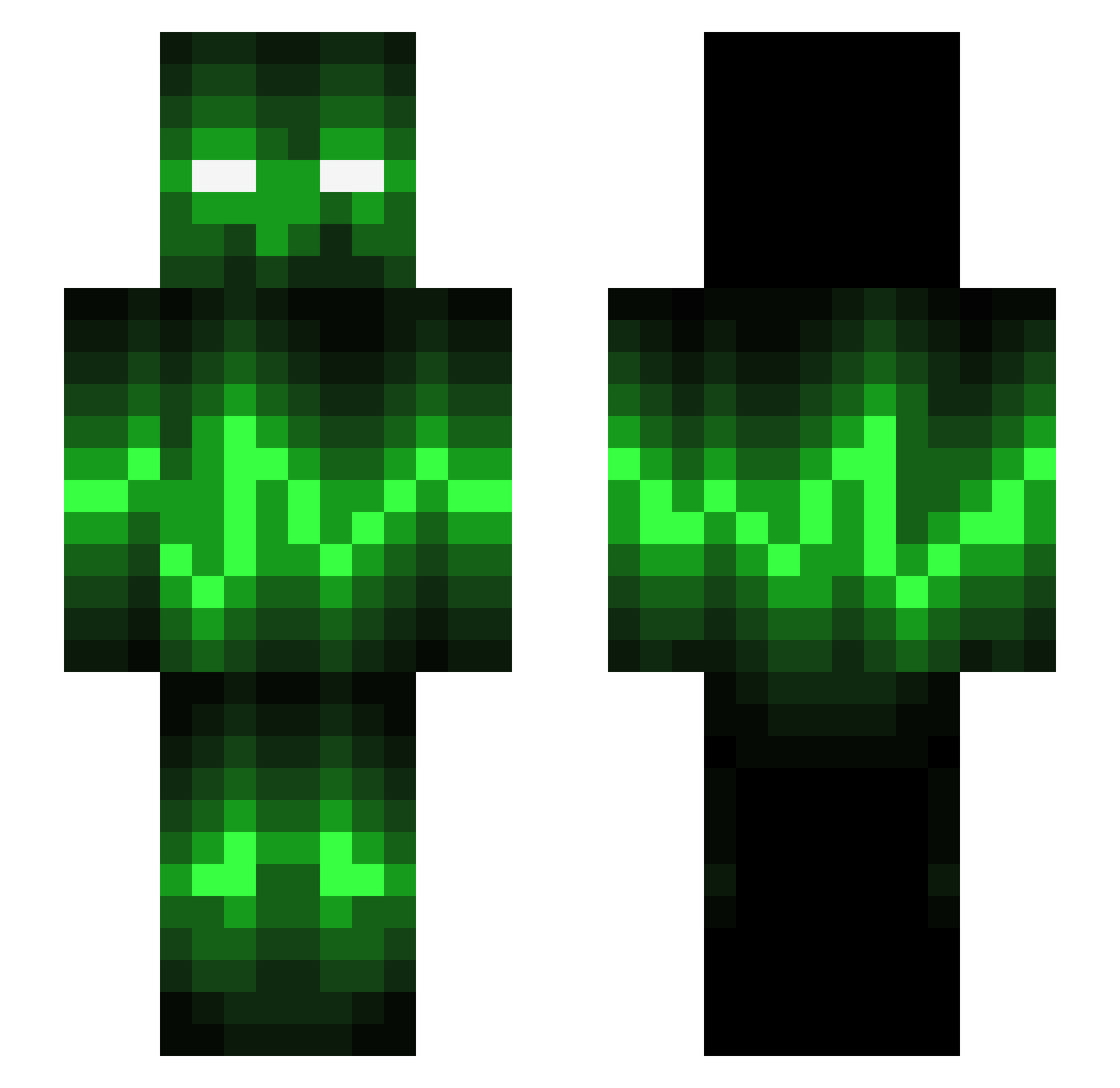
Current Minecraft skin of the player 1onePiece, loaded from the official Mojang API. Rotate the 3D model with your mouse or finger, then download the skin as a PNG file and use it in Minecraft: Bedrock Edition or Java Edition for free. When 1onePiece changes their skin, this page updates automatically and the old skin stays in the history below.
Other players with this skin (695)
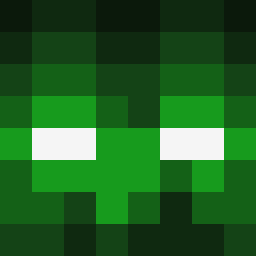
1onePiece was the 650th player we have seen with this skin, first spotted on 03.11.2026. The same skin was seen on these players. Open a nickname to see their current skin and skin history.
 Raller321 UNLINKED_THREAT microwave635 awesomeB001 mojang1934 nathan_inspired Roelgames8 AcerEclipse Xl_Jules_lX procrafter68 NickyThyge bondenbert Mameron Fangbang711 Lucpoldis MC_BlueTounge Frippe36 Yoppert Milkmannen Feli388 Andy_craftmines NightRing9 Ape05 JohnnyV8 Harthor UpriseRampage jochemruys DarkJay SupahCreep dennymac djs730 ultimobaza jenser1234 jaguarjimbob riceman85 fatelliot 2Brothers430 UltroVX Deathangel101 shark08 AlbinPE Burned_A Jeff009 ardibecka SNAPPYMAN2345 LegitBoss15 SlaveBot39 conizar Sebasboye Mindsaw Skillolas benji10 spyl101 Reepeer SoarinEagle Sn0w3yZ JensCooler TheCreeperVann dkxxy M_axDezztroyzz
More Audio Wave Minecraft skins
How to install the 1onePiece skin
- Press the Download button above to save the skin as a PNG file.
- Minecraft: Bedrock Edition (PE): open the Dressing Room from the main menu (or tap your character → Edit Character), go to Classic Skins → Owned, press the + (new skin) button, choose the downloaded PNG and pick the Slim (Alex) model. Works on PC and mobile; consoles cannot import custom skins.
- Minecraft: Java Edition: open the Minecraft Launcher, go to the Skins tab, click New Skin, load the PNG, pick the Slim (Alex) model and press Save & Use. You can also upload it at minecraft.net → Profile → Change Skin.
The skin does not show up after import - what should I do?
Restart Minecraft and open the Dressing Room again - imported skins sometimes appear only after a restart. Also make sure you selected the imported skin and picked the Slim (Alex) model.
Which model should I choose, Classic or Slim?
This skin is designed for the Slim (Alex) model. If you pick the wrong model, the arms of the skin will look stretched or squeezed.
Is the skin of 1onePiece free to download?
Yes. Press Download, save the PNG file and use it in Minecraft: Bedrock Edition or Java Edition - no payment or registration needed. The skin also works on multiplayer servers and Realms.
More skins
Looking for more? Go back to all Minecraft skins and check the top skins of the week, month and all time, or find any player's skin by nickname.