
1butterfly - Minecraft Skins & Skin History
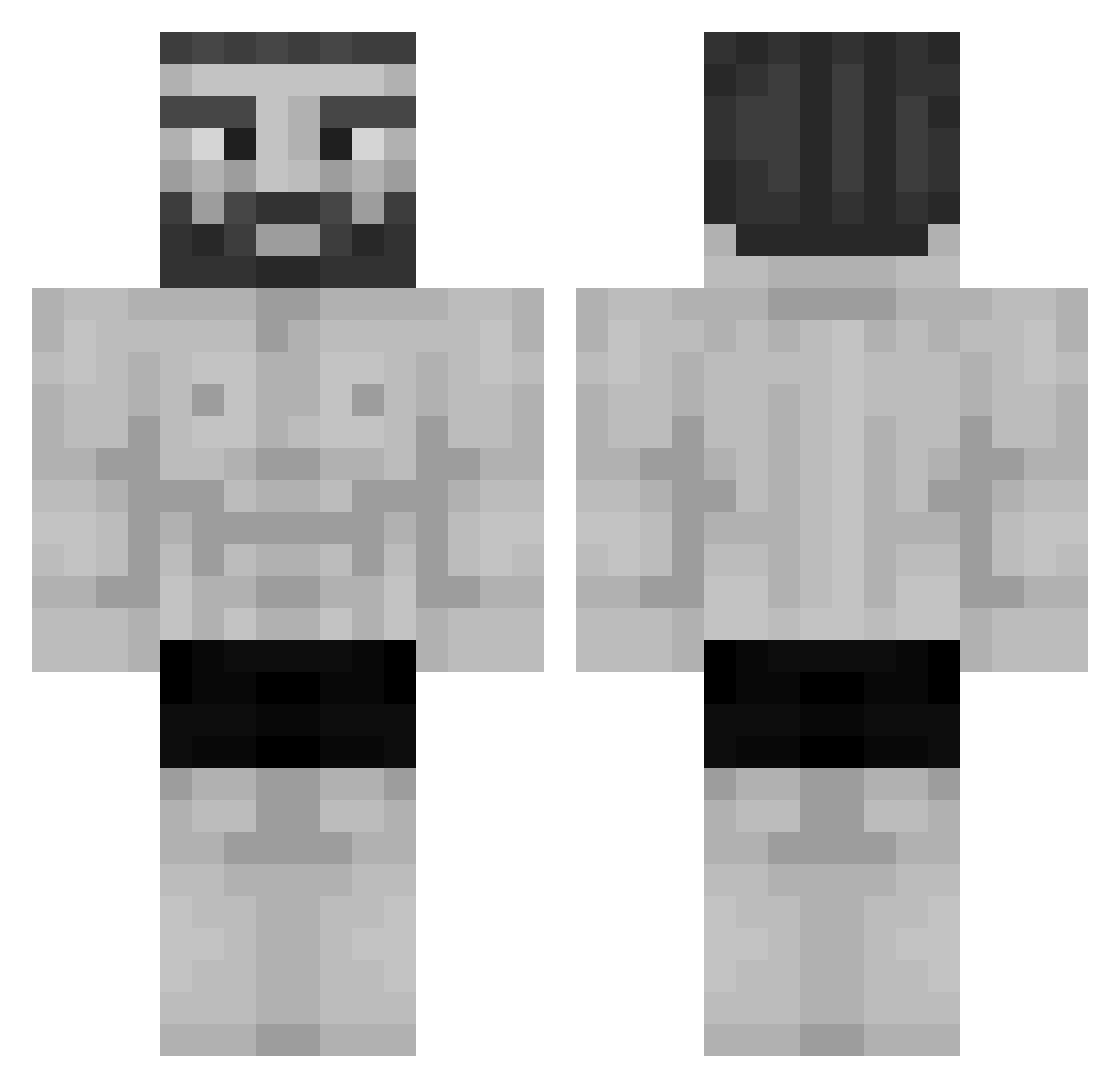
Current Minecraft skin of the player 1butterfly, loaded from the official Mojang API. Rotate the 3D model with your mouse or finger, then download the skin as a PNG file and use it in Minecraft: Bedrock Edition or Java Edition for free. When 1butterfly changes their skin, this page updates automatically and the old skin stays in the history below.
Other players with this skin (1194)
1butterfly was the 1159th player we have seen with this skin, first spotted on 07.11.2026. The same skin was seen on these players. Open a nickname to see their current skin and skin history.
 Plankton1 limes336 Pytrex Rodney33 LeFluffy RexMorningstar alfredo_w HumblePainter ZeeMT _CASINO Glassil KalashAka47 Foxburning_ Alexitagamer Tahion DariSafariBanani Genestein SaranchaKoncha hihihi8989 CookiesLguns CrusherVR icedout19 Swezy15 PimTimy 0534 WatcherCL MahanPlayer5366 sortirstn _Chel__ Ajgor_ Blaynk StoggyWoggy LAMSKO nnnz Wafflyyyy LeTM15 BigChadEddie Arcaynelink notTundraVol korris marijn700e sTRIPLEc SklibidiSigma flex528 plantenpotjes _GodRay MacBilly77 Its_Jonk olekZAWOREK Shacommander Apuebel qMusty carmavio rra25010 kabanchikSS _Skylle_ GIGACHAD2116 Kyahh_ traqizz basti516
More Gigachad Minecraft skins
How to install the 1butterfly skin
- Press the Download button above to save the skin as a PNG file.
- Minecraft: Bedrock Edition (PE): open the Dressing Room from the main menu (or tap your character → Edit Character), go to Classic Skins → Owned, press the + (new skin) button, choose the downloaded PNG and pick the Classic (Steve) model. Works on PC and mobile; consoles cannot import custom skins.
- Minecraft: Java Edition: open the Minecraft Launcher, go to the Skins tab, click New Skin, load the PNG, pick the Classic (Steve) model and press Save & Use. You can also upload it at minecraft.net → Profile → Change Skin.
The skin does not show up after import - what should I do?
Restart Minecraft and open the Dressing Room again - imported skins sometimes appear only after a restart. Also make sure you selected the imported skin and picked the Classic (Steve) model.
Which model should I choose, Classic or Slim?
This skin is designed for the Classic (Steve) model. If you pick the wrong model, the arms of the skin will look stretched or squeezed.
Is the skin of 1butterfly free to download?
Yes. Press Download, save the PNG file and use it in Minecraft: Bedrock Edition or Java Edition - no payment or registration needed. The skin also works on multiplayer servers and Realms.
More skins
Looking for more? Go back to all Minecraft skins and check the top skins of the week, month and all time, or find any player's skin by nickname.