
0marKM - Minecraft Skins & Skin History
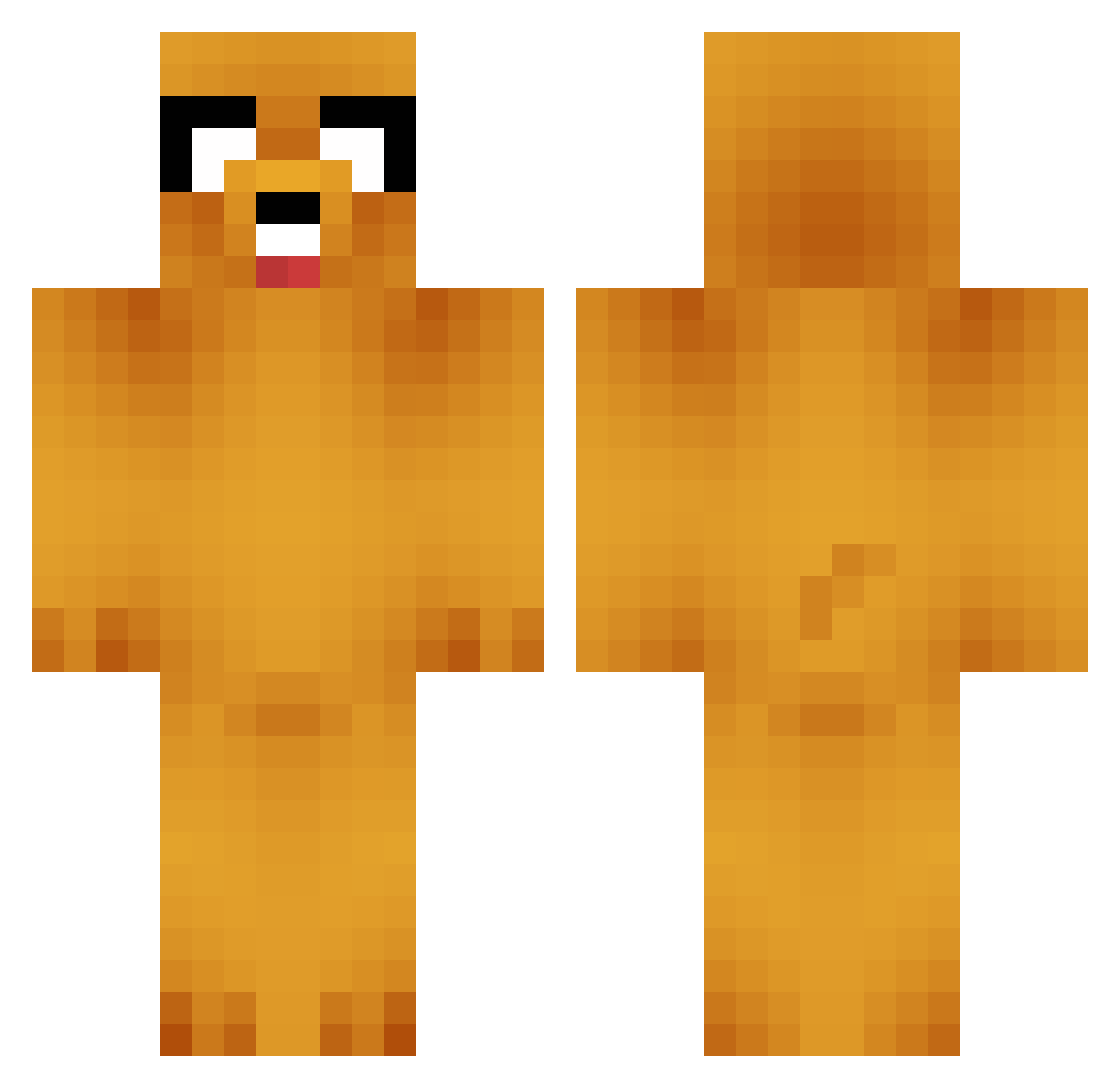
Current Minecraft skin of the player 0marKM, loaded from the official Mojang API. Rotate the 3D model with your mouse or finger, then download the skin as a PNG file and use it in Minecraft: Bedrock Edition or Java Edition for free. When 0marKM changes their skin, this page updates automatically and the old skin stays in the history below.
Other players with this skin (838)
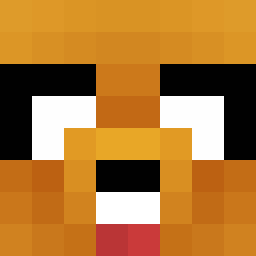
0marKM was the 694th player we have seen with this skin, first spotted on 24.10.2026. The same skin was seen on these players. Open a nickname to see their current skin and skin history.
 Bugman3 SPACEJELLYFISH9 GASKING BoneXylophone_ Spoocyboi nhataway bbang_ho0 Soundwave cadunao batukinay __Kapi mercyiiu WanZoxs sMiddy11 MonsterChoker Nubermen skateMoth Kurttyy Bossatron8 Croggles101 DrViolet FREENAWOO ProDigger ChiefCarter124 Sick_Boy37 Milo010305 Jingyu1 Bdog98 DPR_cream JuliaLS DanTankiSt dahaibao Ninjazermi lllilliiill Matulin yomoxox grounderpounder calabrese7 SofiaLR Madsphberg bobross66649 Sariam_98 ivan_tam heincraft Kururu926 lois12 sdw2312 Fire7224 Notpeyton123 _zooperdooper AuraIndigo Unknowngamer2002 CHOTALARGA ahqjawn CHEN_2 DaniSK8 biddies4africa Zoruak300 x2TURBOS applemango_3
More Jake Minecraft skins
How to install the 0marKM skin
- Press the Download button above to save the skin as a PNG file.
- Minecraft: Bedrock Edition (PE): open the Dressing Room from the main menu (or tap your character → Edit Character), go to Classic Skins → Owned, press the + (new skin) button, choose the downloaded PNG and pick the Classic (Steve) model. Works on PC and mobile; consoles cannot import custom skins.
- Minecraft: Java Edition: open the Minecraft Launcher, go to the Skins tab, click New Skin, load the PNG, pick the Classic (Steve) model and press Save & Use. You can also upload it at minecraft.net → Profile → Change Skin.
The skin does not show up after import - what should I do?
Restart Minecraft and open the Dressing Room again - imported skins sometimes appear only after a restart. Also make sure you selected the imported skin and picked the Classic (Steve) model.
Which model should I choose, Classic or Slim?
This skin is designed for the Classic (Steve) model. If you pick the wrong model, the arms of the skin will look stretched or squeezed.
Is the skin of 0marKM free to download?
Yes. Press Download, save the PNG file and use it in Minecraft: Bedrock Edition or Java Edition - no payment or registration needed. The skin also works on multiplayer servers and Realms.
More skins
Looking for more? Go back to all Minecraft skins and check the top skins of the week, month and all time, or find any player's skin by nickname.